
We hope you have already read our tutorial on How to Set Up a cPanel Email Account in Android, and you have already added a built-in email widget to your Android screen.
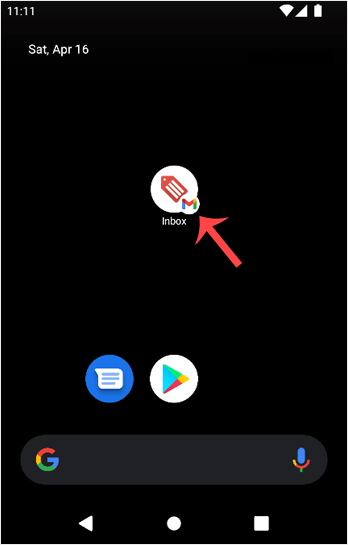
1. Press on Inbox.
2. Pull down from the top of the screen until the little refresh wheel start spinning. It will start syncing emails.
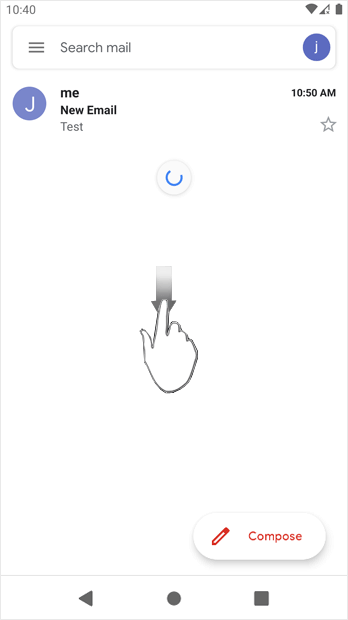
In the above screenshot, after syncing, we have received a new email.
Biblioteca de cunoștințe
Dacă nu găsiți soluția problemei în biblioteca noastră de cunoștințe, trimiteți o sesizare de suport, alegând mai jos departamentul potrivit.
How to Fetch – Sync Emails in Android
0
Răspunsul a fost util?
Back
Updated knowledgebase article view

