
We hope you have already read our tutorial on How to Set Up a cPanel Email Account in Android, and you have already added a built-in email widget to your Android screen.
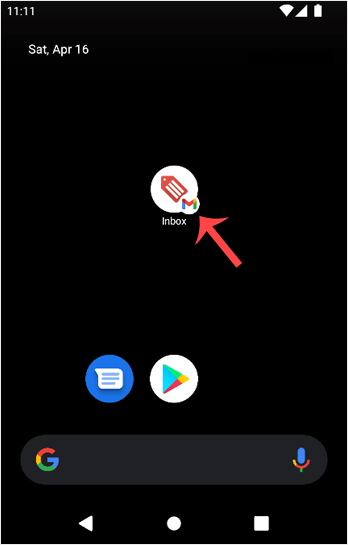
1. Press on Inbox.
2. Pull down from the top of the screen until the little refresh wheel start spinning. It will start syncing emails.
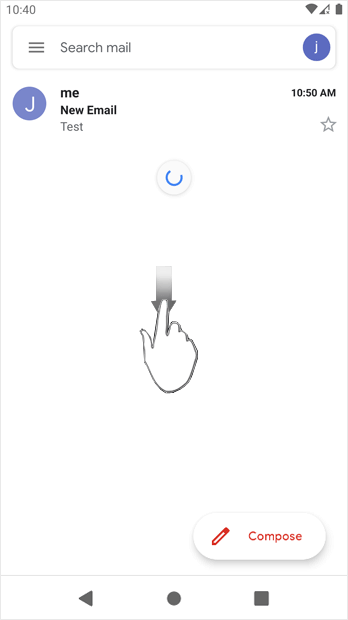
In the above screenshot, after syncing, we have received a new email.
Hjälpcentral
Det du inte kan hitta en lösning på i vår kunskapsdatabas kan du få hjälp med genom att kontakta oss. Välj den avdelning som passar bäst från listan under och skicka in ditt ärende.
How to Fetch – Sync Emails in Android
0
Hjälpte svaret dig?
Back
Updated knowledgebase article view

