
If your VPS is down/offline, you can start it using SolusVM.
1. Log in to your SolusVM Control Panel.
2. If you have multiple VPSs, select the appropriate one.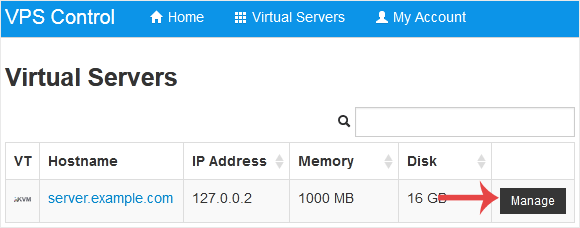
3. Click on Boot.
4. Click Yes to confirm.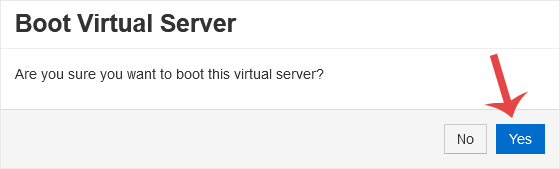
It may take some time for the VPS to start.
Tudásbázis
Ha nem talál megoldást a tudásbázisban, akkor nyújtson be jegyet és válassza ki a megfelelő osztályt.
How to Start/Boot Your VPS in SolusVM
0
Hasznosnak találta ezt a választ?
Back
Updated knowledgebase article view

