
If your VPS is down/offline, you can start it using SolusVM.
1. Log in to your SolusVM Control Panel.
2. If you have multiple VPSs, select the appropriate one.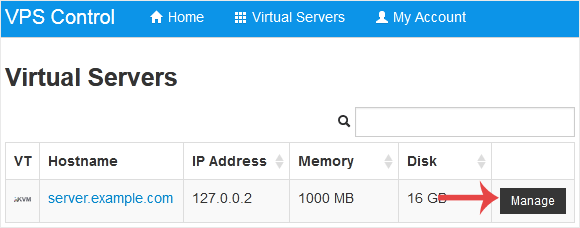
3. Click on Boot.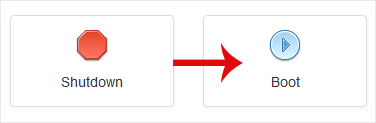
4. Click Yes to confirm.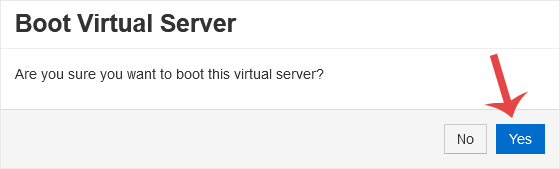
It may take some time for the VPS to start.
Teadmistebaas
Leides meie teadmistebaasist lahenduse oma probleemile, saate seda vastavas osakonnas jagada.
How to Start/Boot Your VPS in SolusVM
0
Kas see vastus oli kasulik?
Back
Updated knowledgebase article view

