
We hope you have already read our tutorial on How to Set Up a cPanel Email Account in Android, and you have already added a built-in email widget to your Android screen. cPanel allows you to send email using various IMAP/POP/SMTP technologies.
1. Open your Email inbox or Gmail Application.
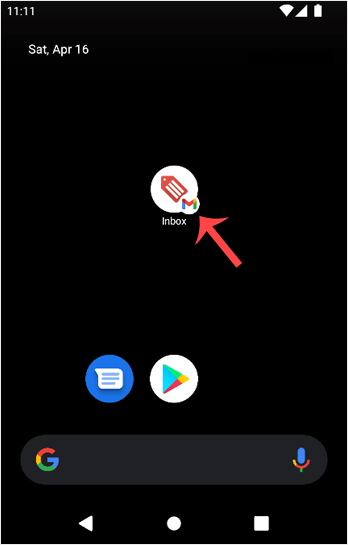
2. In the Mail app, tap on Compose.

3. Enter the email address of the person you want to send the email to in the To field. Enter the email subject, and type your message. Then tap on Send.

Baza znanja
Ako ne možete pronaći rješenje problema u našoj bazi znanja, predajte upit tako da odaberete pravi odjel.
How to Send an Email via Android
0
Je li Vam ovaj odgovor pomogao?
Back
Updated knowledgebase article view

