
We hope you have already read our tutorial on How to Set Up a cPanel Email Account in Android, and you have already added a built-in email widget to your Android screen.
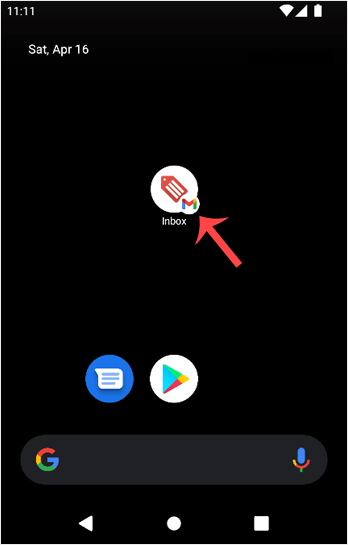
1. Press on Inbox.
2. Pull down from the top of the screen until the little refresh wheel start spinning. It will start syncing emails.
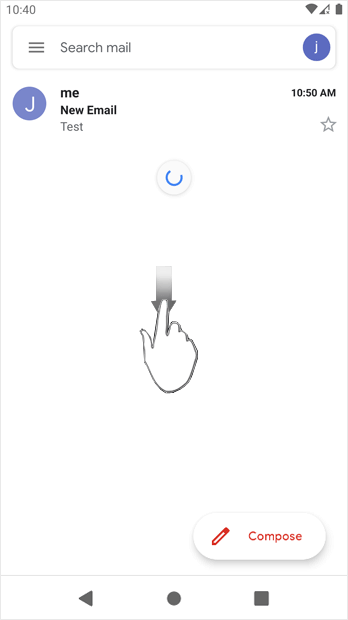
In the above screenshot, after syncing, we have received a new email.
知識庫
如果您無法在我們的知識庫找到您問題的解決方案,您可以在下方選擇適當的部門來發出服務單申請。
How to Fetch – Sync Emails in Android
0
這篇文章有幫助嗎?
Back
Updated knowledgebase article view

